New Heights Climbing New Heights on Steam Deck
Verified defaults, honest TDP expectations, and Font before the cave.
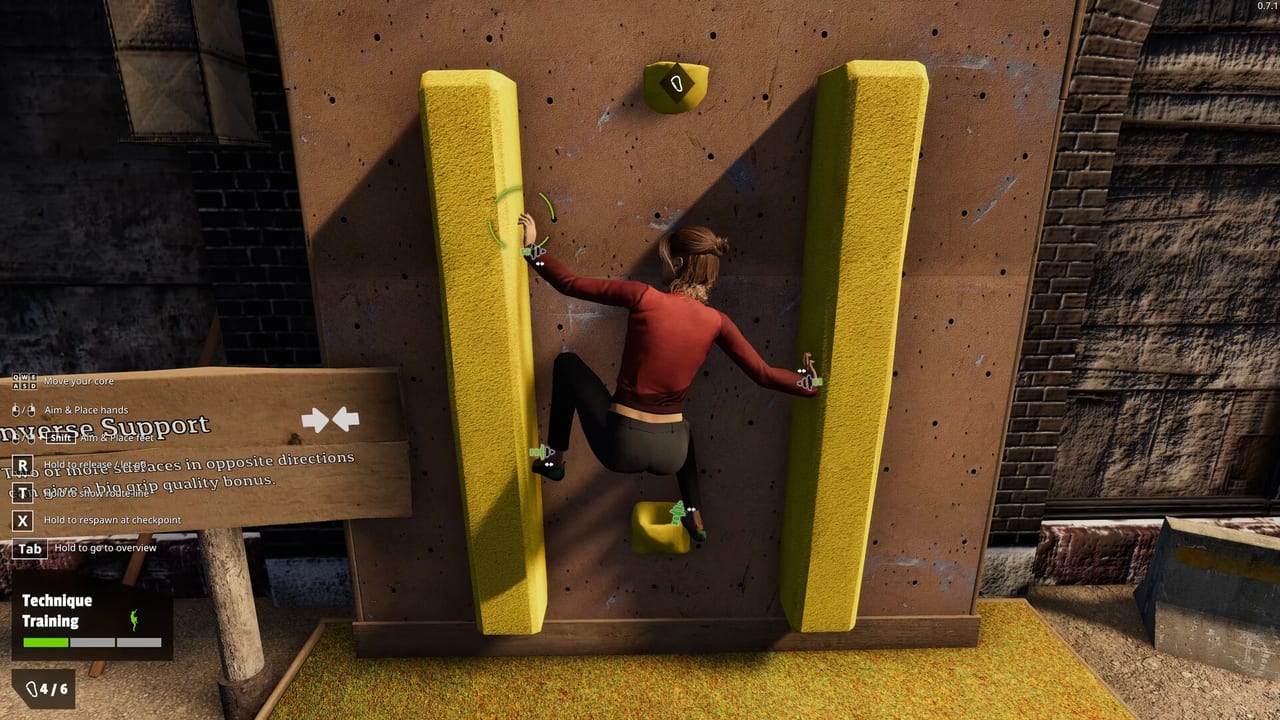
New Heights is Steam Deck Verified on the store page for app 2179440. Valve’s verification notes (and the mirrors that quote them) say the default controller layout works, Deck controller icons show in prompts, in-game text stays legible, and default graphics perform well. This page is the handheld sheet. Desktop floors stay on system requirements. Keys stay on the control sheet and the controls guide. First-hour play advice stays in getting started.
What Verified actually means here
Verified is not a promise that Silence holds 60 FPS at handheld TDP under the Norwegian roof. It means the default path is playable without a community layout, that UI scales, and that the studio’s default graphics preset is acceptable on Deck hardware. Photogrammetry is still the expensive part. Fontainebleau forest scans and Hanshelleren Cave cost more than a gym wall. Plan sessions the way you plan battery: Font and Rocher du Casino before you project a cave overhang.
Full DualSense and generic controller support is listed on Steam for the desktop build as well. On Deck, bumpers to hands, a modifier to feet, a dedicated release face button, and dyno off the same input you use as jump in other games is the map most players settle on. Rebind in Options either way. Many desktop players still prefer mouse-per-limb for scanned crimps; both are valid. The Deck badge simply means you are not forced into mouse-and-keyboard on the couch.
Graphics, TDP, and FPS
Cap FPS before you chase settings. A mid-crux thermal throttle feels like the ragdoll got drunk. The January 2024 FPS slider exists so you can pick a number the fans and TDP can hold. Drop shadows first if a Font sector stutters. Textureless surface scan can help readability and sometimes cost; treat it as a truth tool from game modes, not as a free performance cheat. Automatic camera reset is the motion-sickness toggle — useful on a handheld screen that sits closer to your face than a monitor.
TDP experiments belong on a warm-up boulder, not on a Freÿr crux. Find a stable 40 or 60 you can hold for twenty minutes of continuous climbing. Uncapped spikes that die under a roof teach bad habits: you will rush moves when the frame time recovers. Battery life on Deck is a session length problem. Short Casino circuits fit a commute. A 30-minute sport pitch plus ghosts and recording may not.
Session order on Deck
- Confirm rebinds survived a Steam update.
- Warm up on Technique Training or a Beginner Font line.
- Chase a three-star on a band you already know from desktop, if any.
- Only then open heavier sectors.
Hanshelleren is an end-boss gallery. Walk it, clip a first bolt if you must, and leave. The Hanshelleren guide assumes respect, not a handheld speedrun. Freÿr pitches need the rope loop from belaying — practice that on the gym tall wall before you trust a Deck session on limestone.
Cross-save: player reports, not a promise
A recurring comment from players who bounce between Deck and desktop is that ghost replays can appear across platforms more readily than a full progress save. Stars, location unlocks, and Workshop state may not travel the way a competitive ghost does. This wiki treats that as a player report, not an official Wikkl Works cross-save guarantee. Do not wipe a desktop ladder because a Deck ghost showed up. Do not assume a handheld three-star unlocked the same band on PC. Verify in your Steam cloud and local saves before you trust either machine as the source of truth.
If you mainly climb on Deck, keep a short written note of which locations you three-starred. If you mainly climb on desktop and only travel with the Deck, treat handheld sessions as practice and ghost hunting until you confirm unlock sync yourself.
Controllers and accessibility assists
Automatic feet, automatic limb release, and automatic camera reset shipped in the January 2024 options pass and remain useful on Deck. Auto feet reduce Shift-chord fatigue on a short travel session. Auto limb release helps on long bolted pitches when a dead arm is truly dead — dangerous if you still needed that finger. Camera reset reduces nausea when the climber swings on rope. Timed mode and competitive ghosts add CPU work; stack them carefully on handheld TDP.
Custom Workshop locations vary wildly. An official Font boulder is budgeted. A friend’s dense import may not be. If a custom mesh tanks the frame rate on Deck, that is a setter problem — see Workshop. Official sectors are the fair test of Verified.
Buying and install notes
Windows-on-Deck via Steam is the path; there is no separate macOS or Linux client. Install size is about 15 GB. Price at the time of writing is a one-time Steam purchase with no season pass. Languages on the store include English plus several others; this wiki covers English, French, German, and Spanish.
Deck is a real way to play New Heights, not a novelty. Keep expectations honest: Verified gym and Font sessions first, cave museum second, Silence as a project last. When hardware numbers change on the store, update your mental model from system requirements in the same pass as this page.
Frequently Asked Questions
Quick answers to the most common questions.
Is New Heights Steam Deck Verified?
Yes. Store notes say the default layout works, Deck icons show, text is legible, and default graphics perform well.
Should I project Hanshelleren on Deck first?
No. Warm up on Font and Casino. The cave is heavier photogrammetry and an end-boss sector.
Does DualSense work?
Steam lists full DualSense and generic controller support. Rebind hands, feet, and a dedicated release button in Options.
Will my Deck progress appear on PC?
Players report ghosts sharing more readily than full saves. That is a player report, not an official promise — verify on your own library.